
Customer Portal and Equipment QR System
Equipment records and service requests, tied to the machine
Existing Mondak customers can use TinnaCity to manage supported equipment, submit service requests and check maintenance information from one secure portal.
Scan the Equipment Tag
Open the record for that machine
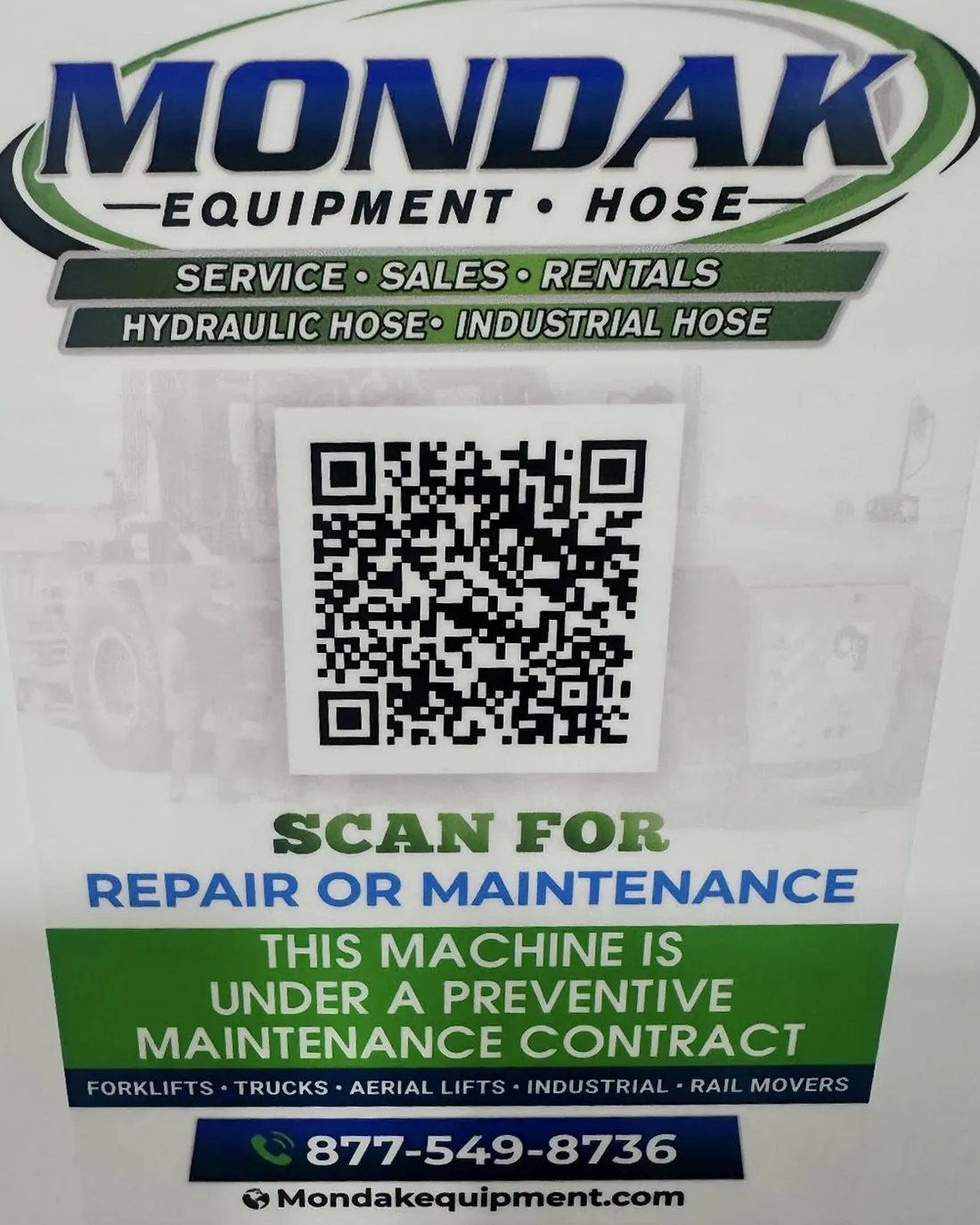
Every supported piece of equipment has its own QR code. Scan it with a smartphone or tablet to open that machine's dedicated portal page.
- View equipment details and service history
- Submit a service request for the correct asset
- Track the status of open service requests
- Access maintenance records and documentation
Customer Equipment Support
The machine stays connected to its service record
The portal and QR system let customers and the Mondak service team see the same machine record when work is requested.
- Equipment-Specific Requests
- The QR code names the machine, helping the request reach Mondak with the correct equipment attached.
- Open-Request Status
- Customers can report an issue, monitor the open request and return to the equipment's service history from the office or the field.
- Included for Customers
- Mondak provides the TinnaCity customer portal and supported-equipment QR system to existing customers free of charge, with no add-on fees or separate subscriptions.
Tagged Machines
Scan its code to open the portal
The code on your equipment points to that machine's portal page. If you need access help or want to ask whether your equipment is supported, contact Mondak.